
Optimized Digital Workspaces for Education IT
Support K–12 districts and higher education institutions with secure, high-performing Windows workspaces for students, faculty, staff, labs, libraries and administrative teams.
Shared Windows Devices and Diverse User Needs
Students, faculty, staff and administrators often move between labs, classrooms, libraries, offices and remote access environments. IT teams need Windows workspaces that can adapt to different users and use cases without adding management overhead. Liquidware ProfileUnity provides seamless profile management for students, faculty and staff with context-aware settings that adapt to highly mobile users and dynamic labs.
Specialized Applications Without Image Sprawl
Education IT frequently needs to deliver resource-intensive and specialized Windows applications for instruction, research, design, testing and administration. Liquidware can dynamically deliver apps such as MATLAB, AutoCAD and SPSS with FlexApp to shared labs, personal devices and virtual desktops, without increasing base image complexity.
Tight Control Across Labs, Libraries and Administrative Systems
Schools and universities need to balance flexible access with appropriate control over settings, policies and user-installed applications. In Phoenix Central School District, administrators used ProfileUnity and FlexApp to manage profiles correctly, back up user-authored data consistently, control user-installed apps and apply granular group policy for desktop lockdown.
Performance and Reliability for Teaching and Learning
When Windows desktops run slowly, logins drag or virtual labs underperform, the impact reaches classrooms, instructional continuity, support teams and student productivity. Liquidware Stratusphere UX and CommandCTRL provide proactive performance visibility and fast remediation and case studies show schools and universities using Stratusphere UX to improve diagnostics, resource planning, uptime and login performance.
Outcomes That Matter in Educational Environments

Keep Learning and Operations Moving
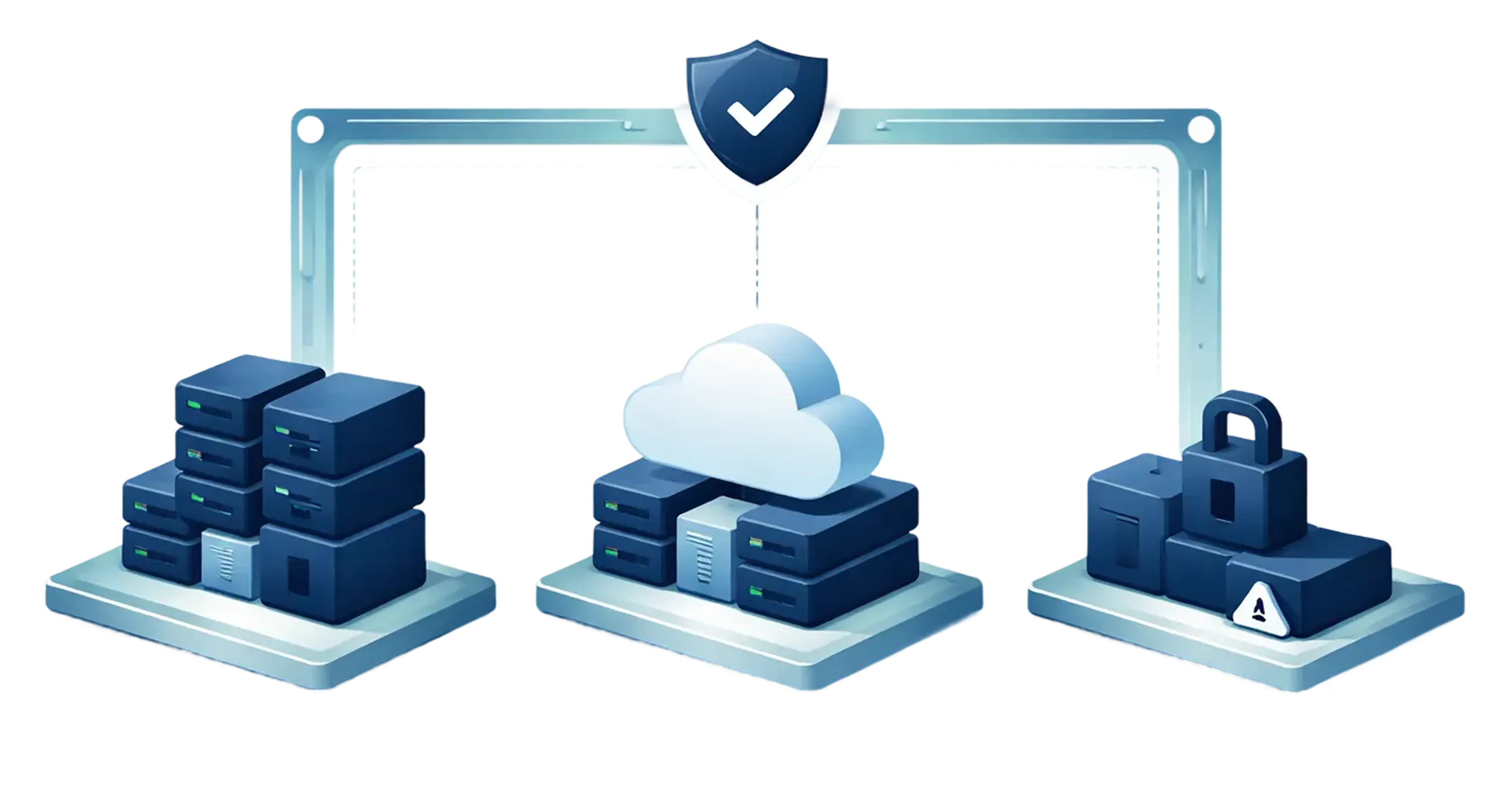
Provide stable, recoverable Windows workspaces so students, instructors, and staff can stay focused on teaching, learning, research and campus or district operations.
Deliver Academic Applications More Efficiently
Reduce image sprawl and simplify application delivery for Windows labs, shared desktops and virtual workspaces. Liquidware FlexApp dynamically delivers applications like MATLAB, AutoCAD and SPSS while allowing them to follow users across environments.
Improve Visibility Before Issues Spread
Measure user experience, detect bottlenecks, and troubleshoot faster so performance problems are addressed before they affect instruction or administrative work. Whatcom Community College used Stratusphere UX during a Windows migration to move from reactive support to preventative management and faster diagnostics.
A Complete Education-ready Digital Workspace Management Approach

FlexApp
Dynamic Application Delivery for Windows-based Education Environments
Deliver academic and administrative applications on demand without permanently embedding them in the base image.

ProfileUnity
Consistent User Environments for Students, Faculty, and Staff
Manage Windows user environments with context-aware control that supports shared devices, mobile users and non-persistent workspaces.

Stratusphere UX
Performance Visibility for School and Campus Workspaces
Gain deep visibility into desktop, login and application performance so issues can be identified early and the user experience can be improved continuously.
CommandCTRL
Real-time Troubleshooting and Remediation for Education IT
Resolve workspace problems faster when every minute of instructional or operational downtime matters.
Common Education Workspace Modernization Use Cases
Education-focused scenarios where Liquidware can deliver measurable value.
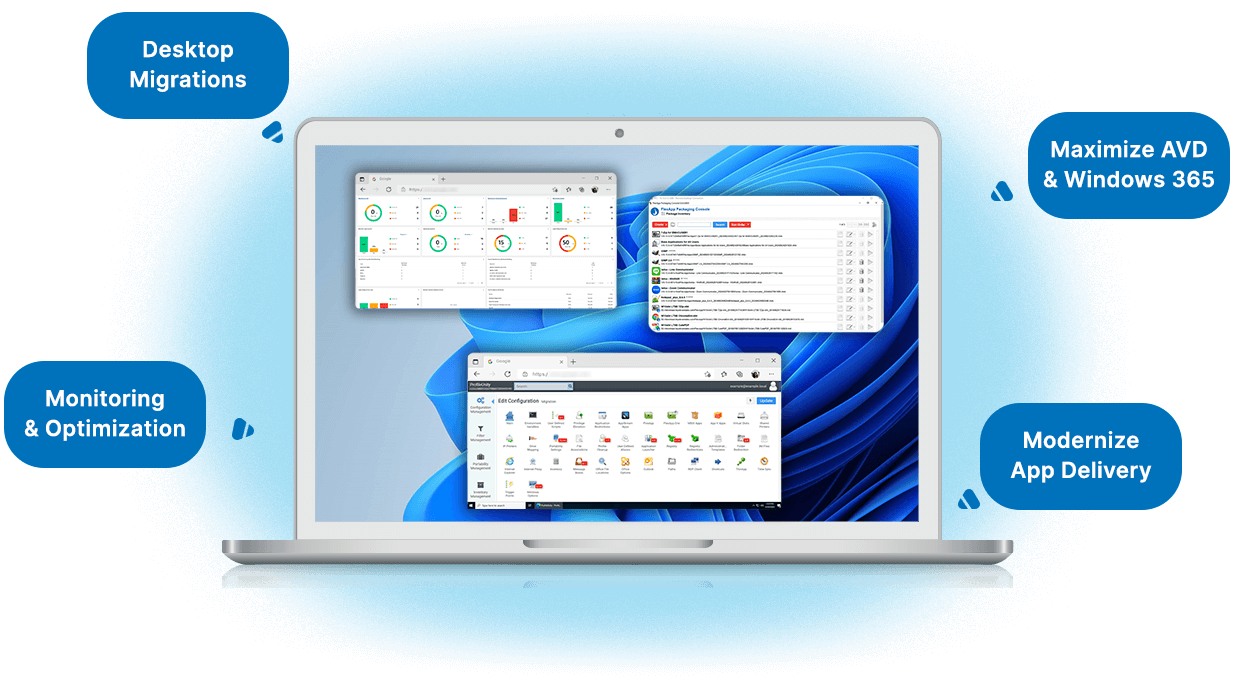
Deliver specialized academic Windows apps without rebuilding images.
Improve consistency across student, faculty, and staff workspaces.
Reduce support effort for shared and non-persistent desktops.
Improve visibility into login, desktop, and application performance.
Support Windows migration and modernization with better data.
Reduce downtime across classrooms, labs, libraries, and administrative teams.
Education Workspace Management scenarios
-
1. Deliver instructional and research applications dynamically to Windows labs and virtual desktops.
-
2. Preserve user personalization across shared, roaming, and non-persistent environments.
-
3. Reduce the number of master images and simplify desktop operations.
-
4. Troubleshoot performance issues faster with detailed workspace visibility.
-
5. Support Windows migration projects with better diagnostics and resource insight.
-
6. Improve continuity for both academic and administrative users.
Digital Workspace Assurances
for Educational Institutions
Improve reliability for Windows desktops used in instruction and administration.
Deliver specialized applications with less image complexity.
Support secure, consistent user environments across shared and mobile use cases.
Gain visibility needed to optimize performance and troubleshoot faster.
Modernize Windows workspaces without adding unnecessary IT overhead.

Built for Windows-based Learning and Academic Operations

Support Better Learning Experiences
Give students, faculty, and staff reliable access to the Windows applications and workspaces they depend on.

Strengthen Control Without Adding Complexity
Manage user environments, policies, and applications with more consistency across district and campus systems.

Reduce IT Friction
Cut image sprawl, improve diagnostics, and simplify Windows workspace operations at scale.
Ready to modernize education workspaces without disrupting teaching, learning, or campus operations?
Let’s map your K–12 or higher education Windows desktop requirements to a digital workspace strategy built for performance, consistency, and control.